
















Custom widget: your own HTML, action buttons and forms
The Custom widget now shows your own HTML, runs actions in your system from buttons and forms, and signs every request. See what's new and which plan you need.
- Integrations
- API
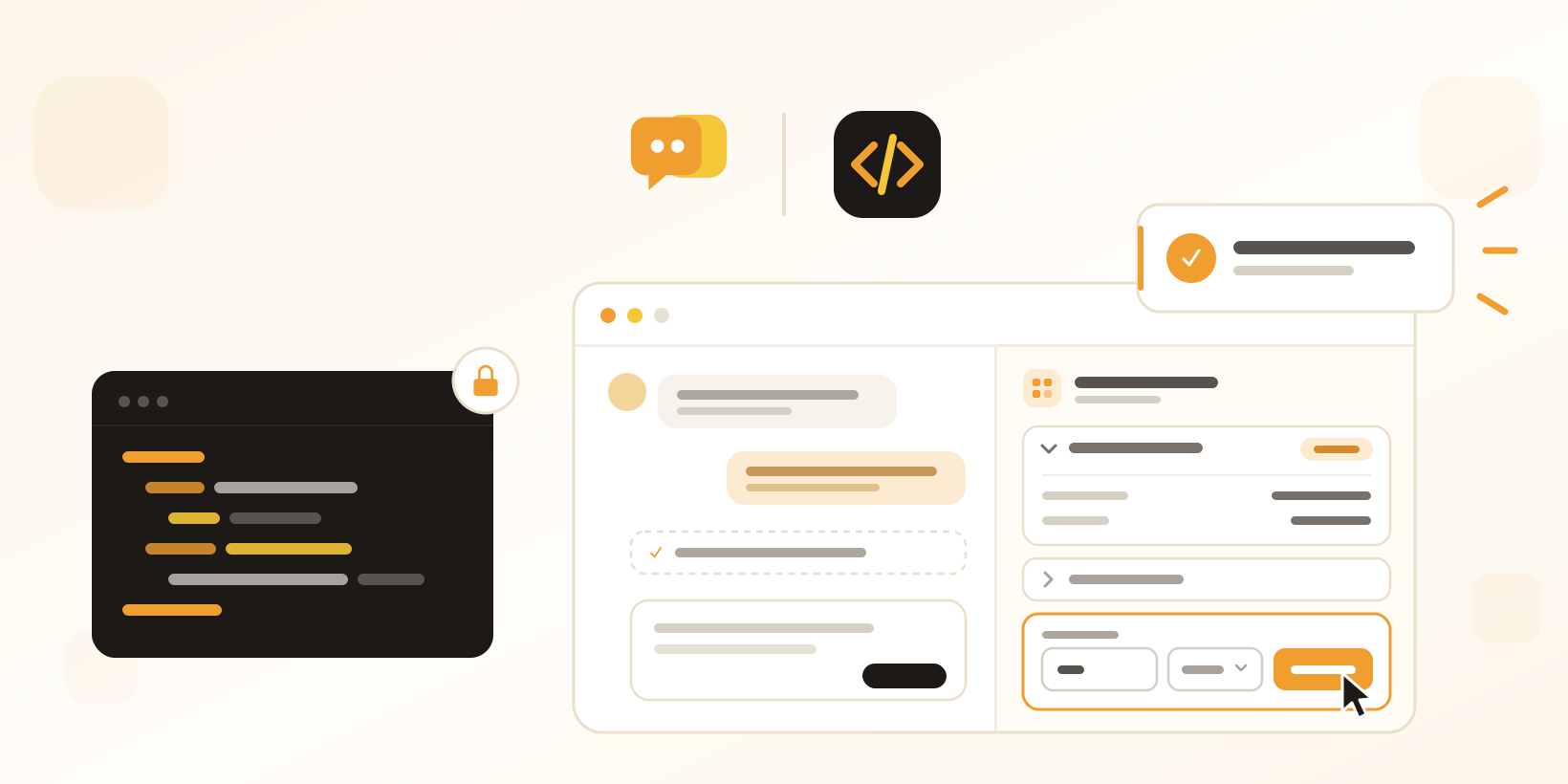
The Custom widget has always let you show data from your own system next to a conversation. Seeing the data was only half the job, though. To cancel an order, extend a trial or resend an invoice, your agents still had to leave Herodesk, find the customer again in another tool and do it there.
Now they can do it from the widget. The Custom widget can show your own HTML, run actions in your system from buttons and forms, and send everything your endpoint needs to trust and route the request.
What is new in the Custom widget
Show your own HTML in the panel
Your endpoint can now answer with HTML as well as the familiar headlines, text, lists and tables. Herodesk cleans it, removes scripts and anything else that could run, and shows it in an isolated frame that sizes itself to the content. It picks up the panel’s fonts and colours, so it looks like the rest of Herodesk. Long answers fold into collapsible sections with <details>, no JavaScript needed.
Action buttons that act in your own system
Add a button to your HTML and point it at your own system: “Cancel order”, “Resend invoice”, “Unlock account”. When an agent clicks it, Herodesk calls your endpoint from its own servers and shows your answer right in the widget, then refreshes the widget if you ask it to. You can add a confirmation step for anything that can’t be undone. Buttons can only call the same address as the widget itself, so a widget can never be turned into a way to reach other systems.
Forms that ask the agent for values first
Put a button inside a form, and the agent fills in the details before the action runs: a number of days, a date, a reason from a dropdown, a checkbox. Required fields and limits are checked before anything is sent.
You decide who can press the buttons
Let everyone who can see the conversation run actions, only admins, or admins and the teams you choose. Everyone else sees the buttons greyed out. Every action is written to the conversation timeline and the audit log, with who ran it and what your system answered.
Full context for B2B and SaaS teams
Turn on extended context, and every request also carries the contact and company with their custom fields, the conversation’s details and the agent who is looking at it, including their role and teams. Your endpoint can find the account by your own IDs, and decide for itself who may do what.
Built so developers can trust it
Requests can be signed with a secret you choose (HMAC SHA-256 with a timestamp), and Herodesk can send your own Authorization header, such as an API key. Every request has a unique request ID, so your endpoint can ignore a repeated click instead of refunding twice. The settings page has developer tools too: send a test request, preview a response and see the recent request log.
Which plan you need
- Herodesk Basic: the Custom widget with headlines, text, lists, tables and links, plus request signing, the Authorization header, request IDs and the developer tools.
- Herodesk Plus: adds HTML elements, collapsible sections and extended context.
- Herodesk Pro: adds action buttons, action forms and control over who can run them.
The full overview is in the plan comparison on our pricing page.
Get started
An admin sets it up under Settings, Widgets, Custom widget. Your existing widgets keep working exactly as before, and HTML stays off until you turn it on. Action buttons are for your team: Herodesk AI agents don’t press them.
Explore the Custom widget for a closer look, or see how the Herodesk REST API and webhooks fit alongside it. If you’d like a hand building your first action, contact us.
Give your team time back
Start your free trial with free VIP onboarding. Meet a product specialist online and get personal help until everything is up and running to your satisfaction.

Ken Primby
CEO · Pluspige
From a Herodesk customer
4 to 6
hours saved on cleanup after live sales
Read the customer story“Herodesk brought all our channels together, saved us several hours of manual cleanup after our live sales and gave the team a clear overview.”