
















New integration: Uniconta is now available
Our Uniconta integration is live. See the customer’s balance, overdue amount, invoices and sales orders beside every conversation, and download invoice PDFs.
- Integrations
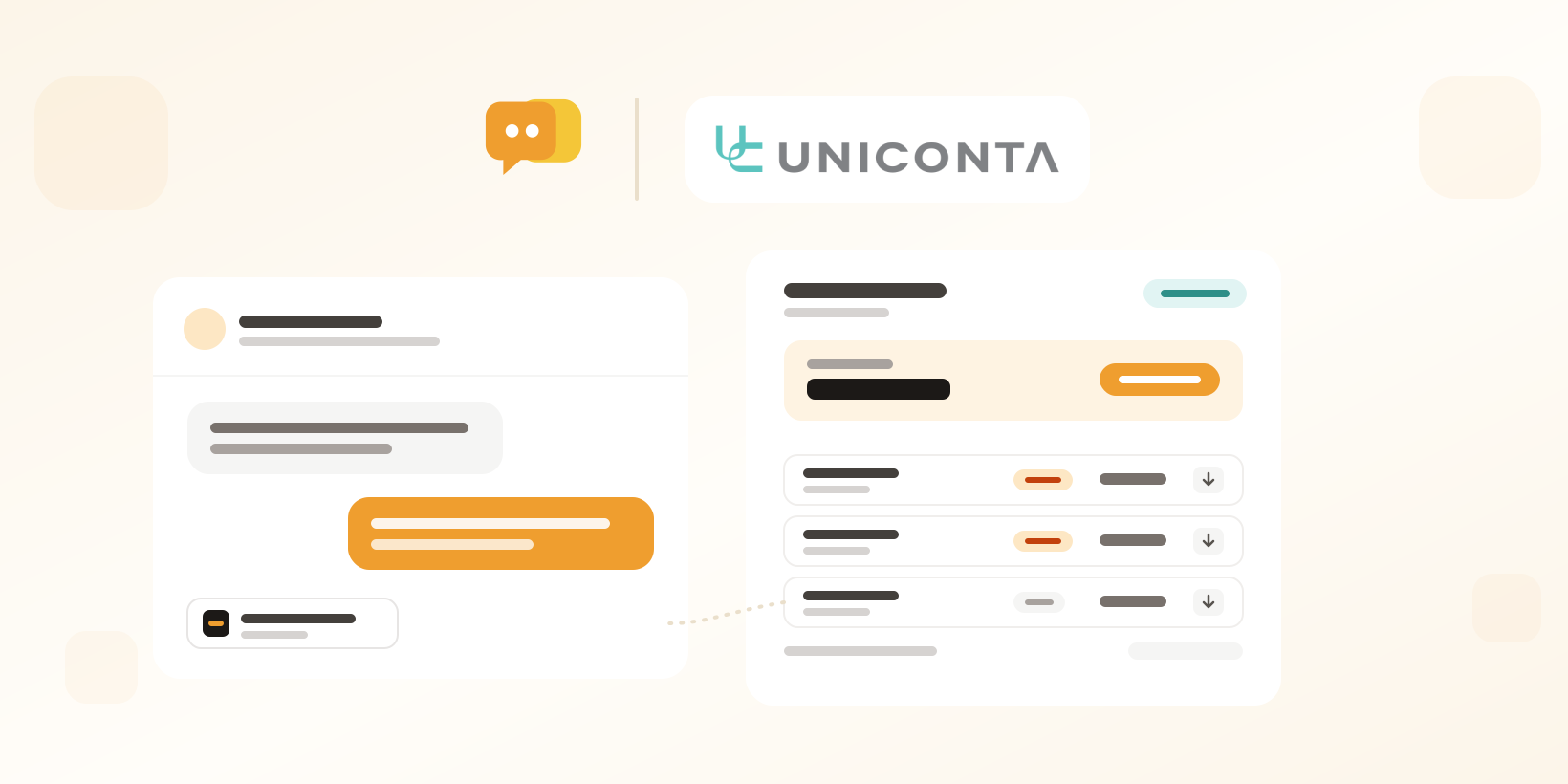
Answer account questions with the numbers in front of you
We’ve built and released a new integration with Uniconta. If your customers’ accounts live in Uniconta, your team can now see them right beside the conversation in Herodesk.
When a customer asks about an invoice, a payment or an order, you shouldn’t have to switch to your accounting system first. Herodesk finds the Uniconta customer by the contact’s email address, also through invoice emails and contact persons, and shows their account in the sidebar.
Balance, invoices and the PDF in one click
The panel shows the customer’s balance and overdue amount, with a warning when they are over their credit limit. You see their open items and recent invoices with the lines on each one. Need to resend an invoice? Download the PDF straight from the panel and attach it to your reply.
Orders, by number or at a glance
See the customer’s recent sales orders, or look one up by its order number while you write.
Link the right customer and leave a note
If Herodesk can’t match the email, search Uniconta customers by name or number and add the email as a contact person. You can also write a note on the Uniconta customer from the conversation. Your name and the conversation are added, so finance knows where it came from.
Keep contacts up to date from Uniconta (Herodesk Pro)
On Herodesk Pro, Uniconta can be the source of truth for your contacts. Choose which Uniconta fields fill which Herodesk contact and company fields, and whether Uniconta only fills empty fields or overwrites them. Nothing is written back to Uniconta.
Connect Uniconta to your helpdesk
Add the Uniconta integration with a Uniconta server user and choose the company to connect. Uniconta requires a server user for integrations and bills it separately. Give it write access if your team should add contact persons and notes.
Herodesk AI agents can recognise which Uniconta customer and company they are talking to. Balances, invoices and orders are shown to your team in the panel and are not used by the AI agent.
Explore the Uniconta integration or see how the Herodesk shared inbox helps your team answer account questions together.
Give your team time back
Start your free trial with free VIP onboarding. Meet a product specialist online and get personal help until everything is up and running to your satisfaction.

Ken Primby
CEO · Pluspige
From a Herodesk customer
4 to 6
hours saved on cleanup after live sales
Read the customer story“Herodesk brought all our channels together, saved us several hours of manual cleanup after our live sales and gave the team a clear overview.”