
















New integration: 3 business calls in Herodesk
Our 3 integration is here. See who is calling on your 3 business numbers, start a conversation from the call and log every call on the customer’s contact.
- Integrations
- Channels
See who is calling before you pick up
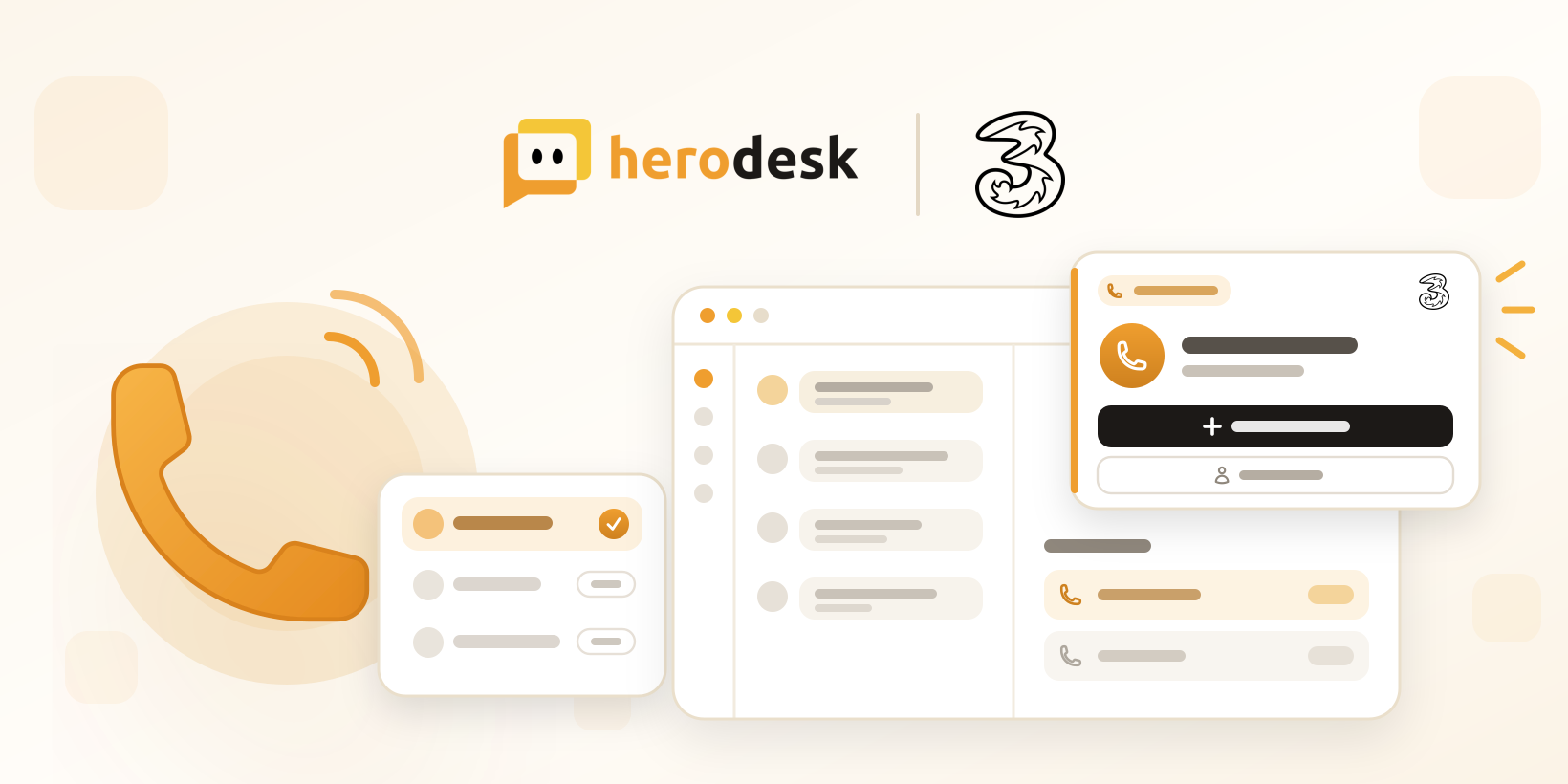
The phone rings and you’re in the middle of a reply. With our new 3 integration, Herodesk shows you who is calling, so you can greet the customer by name and pick up where the last conversation left off.
Connect your 3 business telephony to Herodesk, and calls to your colleagues’ 3 numbers appear as notifications while they ring, and stay visible once answered. The caller is matched to an existing contact or a customer in your connected data sources. If the number is new, Herodesk creates a contact for it.
Start a conversation straight from the call
The call notification lets you start a new conversation with the caller or open their contact, so the follow-up gets written down while the call is still fresh.
Ring groups without the noise
When a call rings for a whole group, each mapped colleague gets one notification. As soon as someone answers, it closes for everyone else, so nobody is left wondering whether the customer has been helped.
Every call on the customer’s contact
Incoming, missed and outgoing calls are logged on the contact with talk time and the colleague who answered. The next person to help the customer can see when you last spoke.
Set up in a few minutes
Add the 3 channel in Herodesk and give 3 your private webhook URL, so they can send your company’s call events to Herodesk. Then enter each colleague’s own 3 phone number in the channel settings. Only mapped colleagues get call notifications. If the webhook URL ever leaks, an admin can generate a new one, and the old one stops working straight away.
The integration supports your team’s phone calls. Herodesk AI agents do not answer or handle 3 calls.
Explore the 3 integration for a closer look, or see how the Herodesk helpdesk brings your team’s customer support together. If you’d like help connecting your phones, contact us.
Give your team time back
Start your free trial with free VIP onboarding. Meet a product specialist online and get personal help until everything is up and running to your satisfaction.

Ken Primby
CEO · Pluspige
From a Herodesk customer
4 to 6
hours saved on cleanup after live sales
Read the customer story“Herodesk brought all our channels together, saved us several hours of manual cleanup after our live sales and gave the team a clear overview.”