
















New integration: Uni-tel calls in Herodesk
Our Uni-tel integration is here. Recognise callers, answer or end calls and dial contacts with one click in Herodesk. Connect One-Connect to your support team.
- Integrations
- Channels
A familiar name when the phone rings
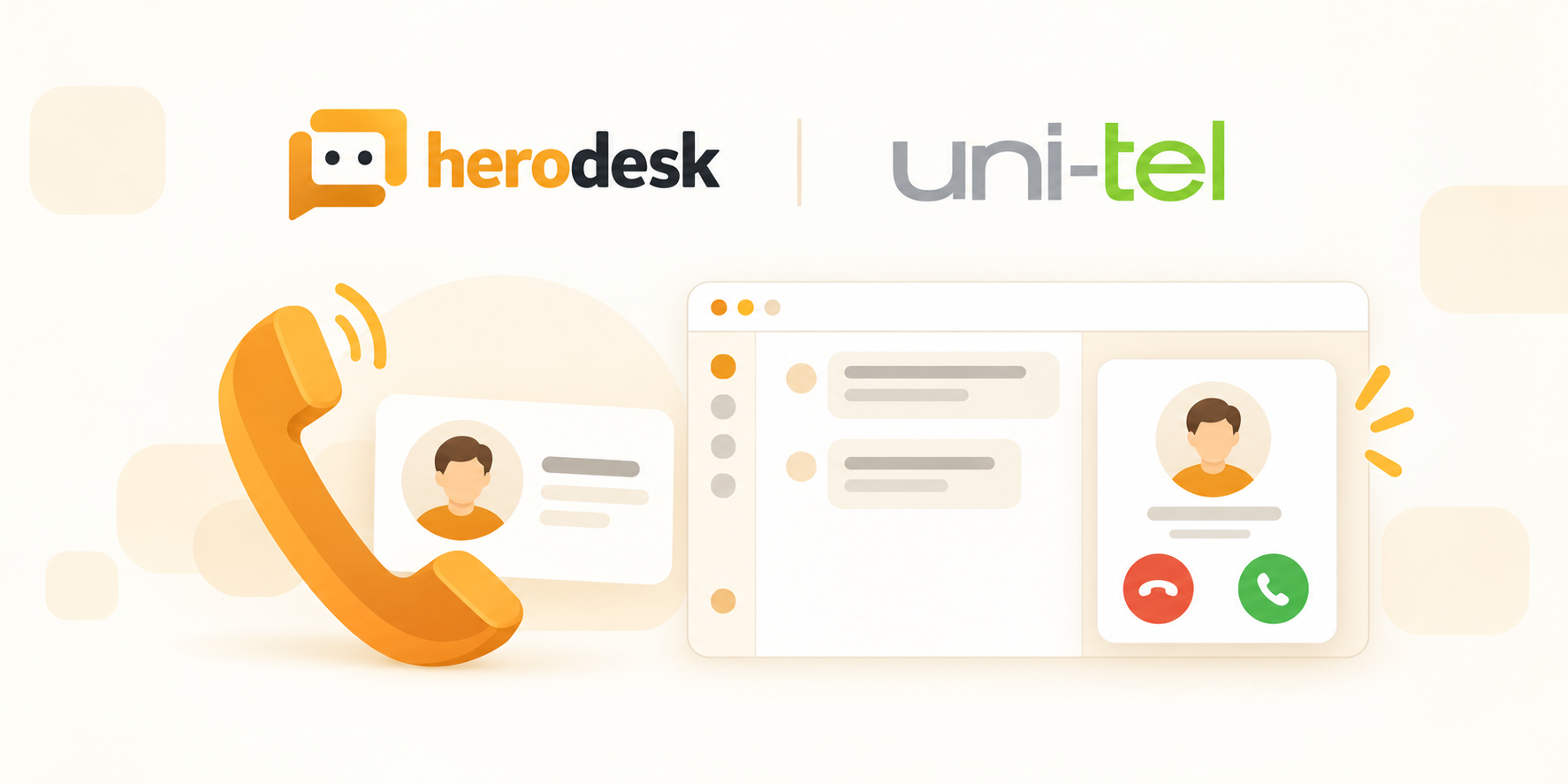
A customer calls while you’re working in Herodesk. With our new Uni-tel integration, you can see who is calling and handle the call from the same place.
Connect your Uni-tel One-Connect phone system to Herodesk. Incoming calls appear as notifications, and when the caller’s number matches an existing contact, you see the person behind the number. You can start with a hello instead of searching for the customer.
Answer, reject or hang up from Herodesk
The call notification gives you the controls to answer or reject an incoming call. When the conversation is over, you can hang up from Herodesk too.
Reach a contact with one click
Need to call a customer? Use the dialer to call their number with one click. You can choose which of your mapped extensions to use for outgoing calls.
Connect the right phones to your team
Add the Uni-tel channel using your One-Connect login and PBX domain, then map your extensions to the people who use them in Herodesk. Choose an outgoing extension for each user. Herodesk also discovers extensions seen on the connected phone system, ready for you to map.
The integration supports your team’s live phone calls. Herodesk AI agents do not answer or take part in Uni-tel calls.
Explore the Uni-tel integration for a closer look, or see how the Herodesk helpdesk brings your team’s customer support together. If you’d like help connecting your phone system, contact us.
Give your team time back
Start your free trial with free VIP onboarding. Meet a product specialist online and get personal help until everything is up and running to your satisfaction.

Ken Primby
CEO · Pluspige
From a Herodesk customer
4 to 6
hours saved on cleanup after live sales
Read the customer story“Herodesk brought all our channels together, saved us several hours of manual cleanup after our live sales and gave the team a clear overview.”