
















Dynamicweb 9 now works with Herodesk
Herodesk now connects to Dynamicweb 9 as well as Dynamicweb 10. Manage orders and returns (RMAs) beside every conversation, and find any order by its number.
- Integrations
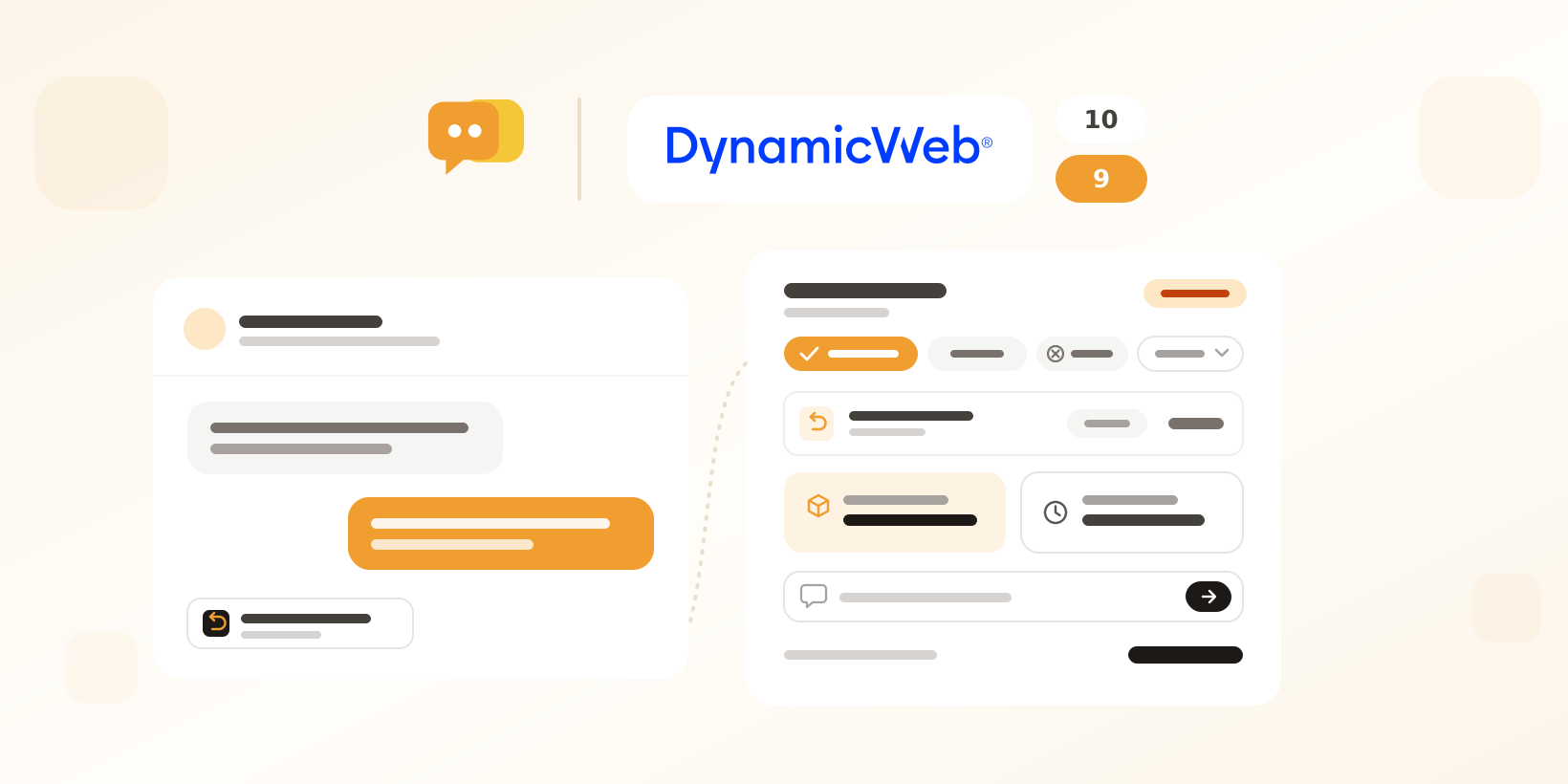
Your Dynamicweb 9 shop, right beside the conversation
When we launched our Dynamicweb integration in October, it needed Dynamicweb 10. Plenty of shops still run Dynamicweb 9, so we built the same integration for it. Whichever version your shop runs, your team now sees the customer’s orders beside their message and acts on them without opening the Dynamicweb admin.
The same order tools on both versions
Everything you know from Dynamicweb 10 works on Dynamicweb 9. Orders are matched to the customer by email or phone number, with state, payment, shipping, tracking and every order line. You can hold, release or cancel an order through the order states you map, move it to any other state, and let rules act on orders automatically. On Dynamicweb 9 you can also edit the delivery address and the internal note on every order, and product lookups show the price your website shows.
A small extension instead of an API key
Dynamicweb 9 has no Management API, so we wrote a small Herodesk extension that gives Herodesk the same access. You set it up once:
- Add the Dynamicweb integration in Herodesk, choose Dynamicweb 9 and enter your shop URL.
- Download the extension and copy it into your site’s
binfolder. - Download the settings file and upload it in the Dynamicweb admin under Files > System.
- Click Test connection.
Copying the extension restarts the site, so pick a quiet moment. The settings file holds only a fingerprint of the key, never the key itself. The integration settings show whether your shop is connected and tell you when a newer version of the extension is out. You need Dynamicweb 9.12 or newer, .NET Framework 4.7.2 or newer, and HTTPS on the site.
New on Dynamicweb 10 and 9
Returns (RMAs) beside the conversation
Herodesk now shows the returns on a customer’s orders, with their status, type, products and any replacement order. From the sidebar you can close, reject, complete or delete a return, move it to another state, add a comment, fix its delivery address and read its full history. You map your shop’s RMA states to return statuses in the integration settings. On Dynamicweb 10, rejecting, completing, state changes and address edits need Dynamicweb 10.30 or newer.
Find any order by its number
Look up an order by its order number from the sidebar, for example when the customer writes in from another email address.
AI agents see returns too
Herodesk AI agents can now read the returns on a customer’s orders and find related products when they search your catalogue. On Dynamicweb 9 they can also change a delivery address within the same country. Copilot can list and read a customer’s returns, and close, complete or delete a return for you.
Connect your Dynamicweb shop
Open the Dynamicweb integration in Herodesk and pick your version: Dynamicweb 10 connects with your shop URL and an API key, Dynamicweb 9 with the extension.
Explore the Dynamicweb integration or see how Herodesk AI agents answer order questions for you.
Give your team time back
Start your free trial with free VIP onboarding. Meet a product specialist online and get personal help until everything is up and running to your satisfaction.

Ken Primby
CEO · Pluspige
From a Herodesk customer
4 to 6
hours saved on cleanup after live sales
Read the customer story“Herodesk brought all our channels together, saved us several hours of manual cleanup after our live sales and gave the team a clear overview.”