
















Two-factor authentication on every plan
Two-factor authentication is now on every Herodesk plan, Free too, along with breached-password checks, per-device sessions and warnings on risky attachments.
- Platform
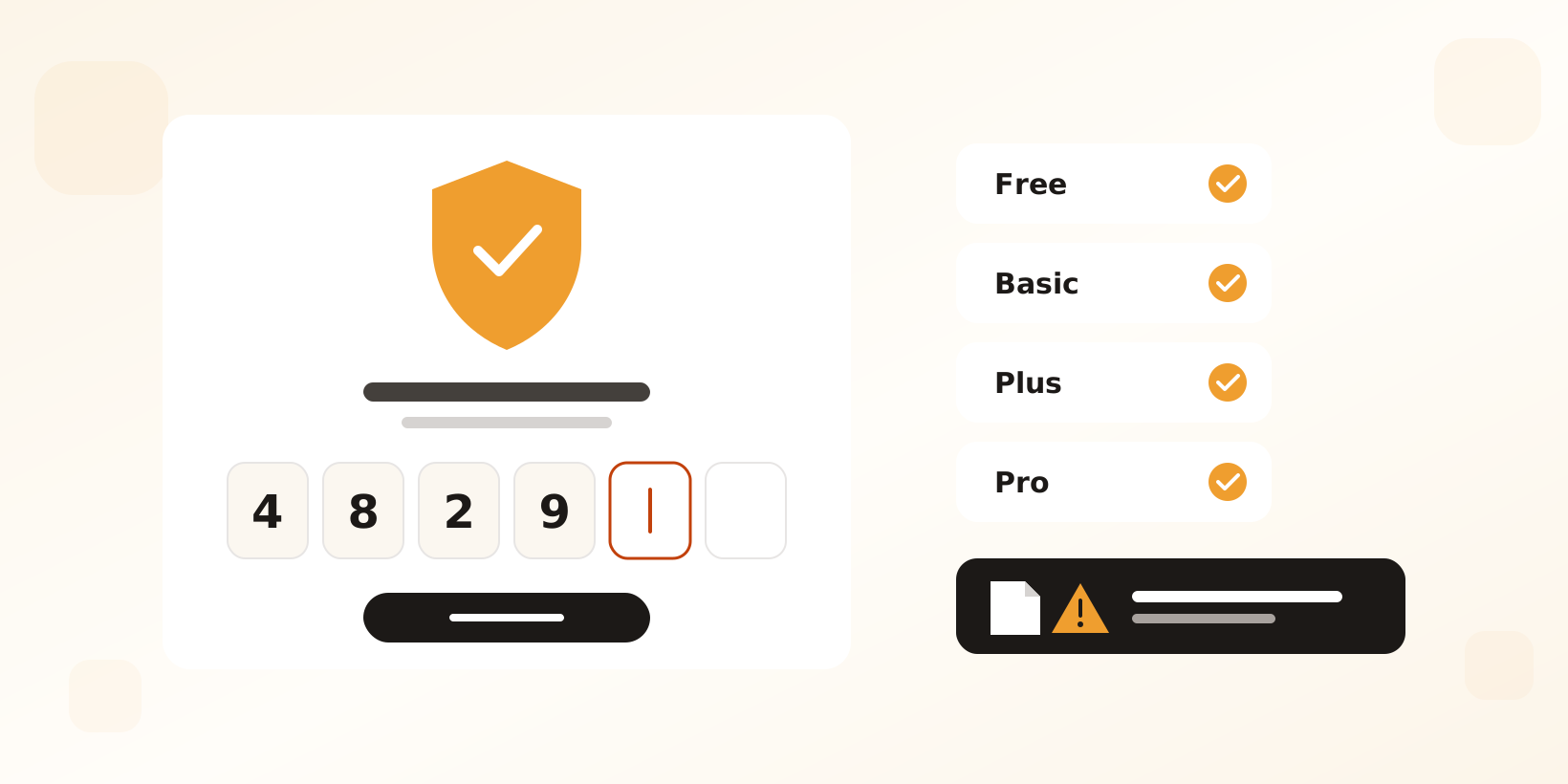
Stronger sign-in for every team
Your helpdesk holds every conversation, contact and order your team has handled. Protecting that should not depend on which plan you pay for, so two-factor authentication is no longer a Pro feature: every user on every plan, Free included, can now turn it on. We have also added a set of sign-in and attachment safeguards that work for everyone, with nothing to set up.
Two-factor authentication for everyone
- Turn it on from your profile by scanning a QR code with an authenticator app such as Google Authenticator or 1Password.
- Single-use recovery codes get you back in if your phone is lost.
- Admins can require 2FA for the whole organisation with a grace period, during which people are reminded of the deadline, and can reset a user’s 2FA.
- While 2FA is optional, admins who have not turned it on themselves get a reminder once a week.
- When single sign-on is enforced, your identity provider handles sign-in and 2FA protects the users exempted from SSO.
Read more about two-factor authentication
Breached passwords are refused
New passwords are checked against the Have I Been Pwned breach database. Only the start of the password’s hash is sent, so the password itself never leaves Herodesk, and a password found in a known breach cannot be used.
Sessions you can actually end
“Remember me” is now tracked per device on our servers. Signing out ends the session on that device, and changing your password ends every remembered session at once. Activation and invite links expire after 48 hours.
A warning before risky attachments
Attachments that can run code or install software when opened, such as executables, scripts, macro-enabled Office files and disk images, now show a warning and ask you to confirm before they download.
See everything that protects your account
Other changes
- Single sign-on sessions last at most 12 hours and never set a remember-me cookie, so access ends soon after someone is removed in your identity provider.
Give your team time back
Start your free trial with free VIP onboarding. Meet a product specialist online and get personal help until everything is up and running to your satisfaction.

Ken Primby
CEO · Pluspige
From a Herodesk customer
4 to 6
hours saved on cleanup after live sales
Read the customer story“Herodesk brought all our channels together, saved us several hours of manual cleanup after our live sales and gave the team a clear overview.”