
















AI Performance report
The new AI Performance report in Herodesk shows how many of your real customer conversations the AI agent handled, resolved or handed over, period by period.
- Reports
- AI Agents
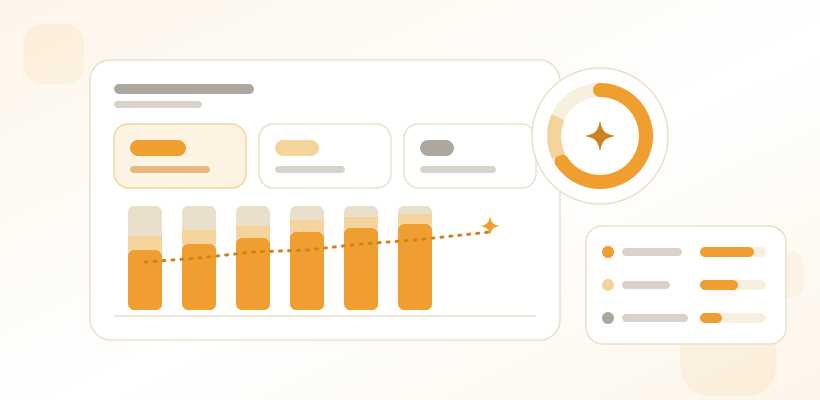
Once an AI agent is answering customers, the next question is always the same: how much of our support is it actually taking? Until now the answer was split across two places. The general reports counted every conversation, the AI agent pages counted what the AI did, and nothing put the two side by side.
The AI Performance report is now available in Herodesk.
Measured against real conversations
The report compares the AI agent’s work with your real support volume: conversations that a person or the AI actually replied to. Newsletters, notifications, spam and drafts stay out of it, so the share isn’t flattered or diluted by mail nobody needed to answer.
A conversation the AI handled still counts as AI-handled when it is later handed over to a colleague, so a handover doesn’t quietly erase the work the agent did first.
The numbers that matter, compared with last period
At the top you see the AI-handled rate, the deflection rate (conversations the AI resolved on its own) and the handover rate, along with the counts behind them. Each one is compared with the previous period, so you can tell at a glance whether things are moving the right way.
Below that, charts show how your real conversations were handled over time, the AI-handled share against the previous period, and the share per channel. A table breaks it down per topic: handled, resolved, resolution rate and handed over. That shows you where the agent is strong and where it needs more knowledge.
Filter down to what you want to know
Filter by date range, inbox, team, channel, AI agent and topic, and group the results by the period that suits you. When you filter by AI agent or topic, the share is still measured against all your answered conversations, so it reads as “this agent handled this much of our support”. The report can also be exported to CSV.
Where to find it
AI Performance is its own tab under Reports, linked from the AI agents section too. It is available to managers on accounts that use Herodesk AI agents, from Herodesk Plus. Read more on the AI Performance report feature page.
Give your team time back
Start your free trial with free VIP onboarding. Meet a product specialist online and get personal help until everything is up and running to your satisfaction.

Ken Primby
CEO · Pluspige
From a Herodesk customer
4 to 6
hours saved on cleanup after live sales
Read the customer story“Herodesk brought all our channels together, saved us several hours of manual cleanup after our live sales and gave the team a clear overview.”