
















Create contacts and start conversations
Create a new contact and start a conversation from Herodesk. Reach out proactively while keeping customer messages and contact details together.
- Inbox
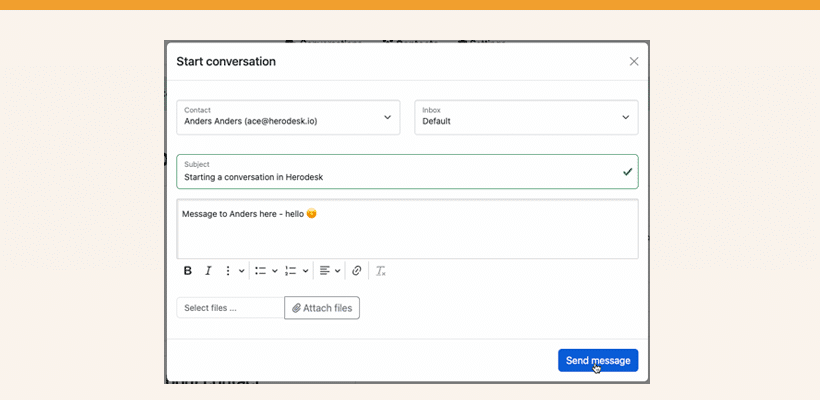
Most of the time, your customers contact you when they need your help. Othertimes, however, you may want to contact the customer about something (and ensure that their reply lands in Herodesk 😉 ).
Such times could be:
- Let a customer know that their package is delayed
- Updating a customer on the progress of an ongoing project
- Any other type direct follow-ups with a customer
It’s a great way for you to be proactive with your customers, giving them a better-than-expected customer service.
You can start new conversations with any contact that exists in your Herodesk. New conversations are always sent to the contact via e-mail. When the contact replies, the message lands in your Herodesk Inbox and is treated like any other conversation.
Give your team time back
Start your free trial with free VIP onboarding. Meet a product specialist online and get personal help until everything is up and running to your satisfaction.

Ken Primby
CEO · Pluspige
From a Herodesk customer
4 to 6
hours saved on cleanup after live sales
Read the customer story“Herodesk brought all our channels together, saved us several hours of manual cleanup after our live sales and gave the team a clear overview.”