
















Block Spammers and Unwanted Messages
Block unwanted contacts in Herodesk so future messages go to junk. Keep spam out of the working inbox and make real customer questions easier to find.
- Automation
- Inbox
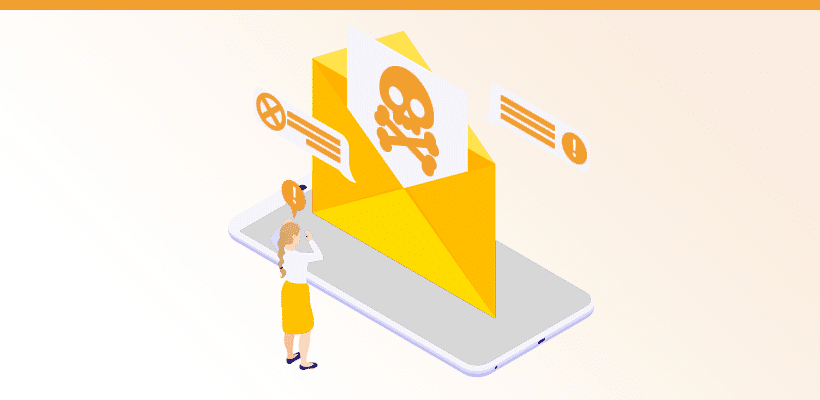
1) Block contact
You can now block a contact in Herodesk. If you do so, all future messages from this contact will automatically be marked as SPAM.
If a contact is blocked by mistake, you can always unblock him.
2) A new Junk folder
We’ve added a new smart folder named Junk to all Herodesk accounts. It contains all messages that are marked as Spam.
You can disable it in your smart folder settings if you don’t want it.
3) Added conversation status to rules
With this update, you can create Rules and Smart folders that filters based on the status of a conversation. We’ve also added a new Rule to all Herodesk accounts that automatically block a contact if you mark one of his conversations as spam. This rule is disabled by default but can be enabled in the Rules settings.
Putting all this together, it’s now possible ensure that when you mark one conversation from a contact as spam, all future messages from that contact will also be marked as spam. And you can see all these conversations in the new Junk folder.
In the future, we’ll add functionality to detect spam automatically, so you won’t have to worry about it.
Give your team time back
Start your free trial with free VIP onboarding. Meet a product specialist online and get personal help until everything is up and running to your satisfaction.

Ken Primby
CEO · Pluspige
From a Herodesk customer
4 to 6
hours saved on cleanup after live sales
Read the customer story“Herodesk brought all our channels together, saved us several hours of manual cleanup after our live sales and gave the team a clear overview.”