
















Mentions and watched conversations, together in Notifications
Mentions and watched conversations now share one Notifications folder that shows why each conversation is there, and you can mark them read or unread yourself.
- Inbox
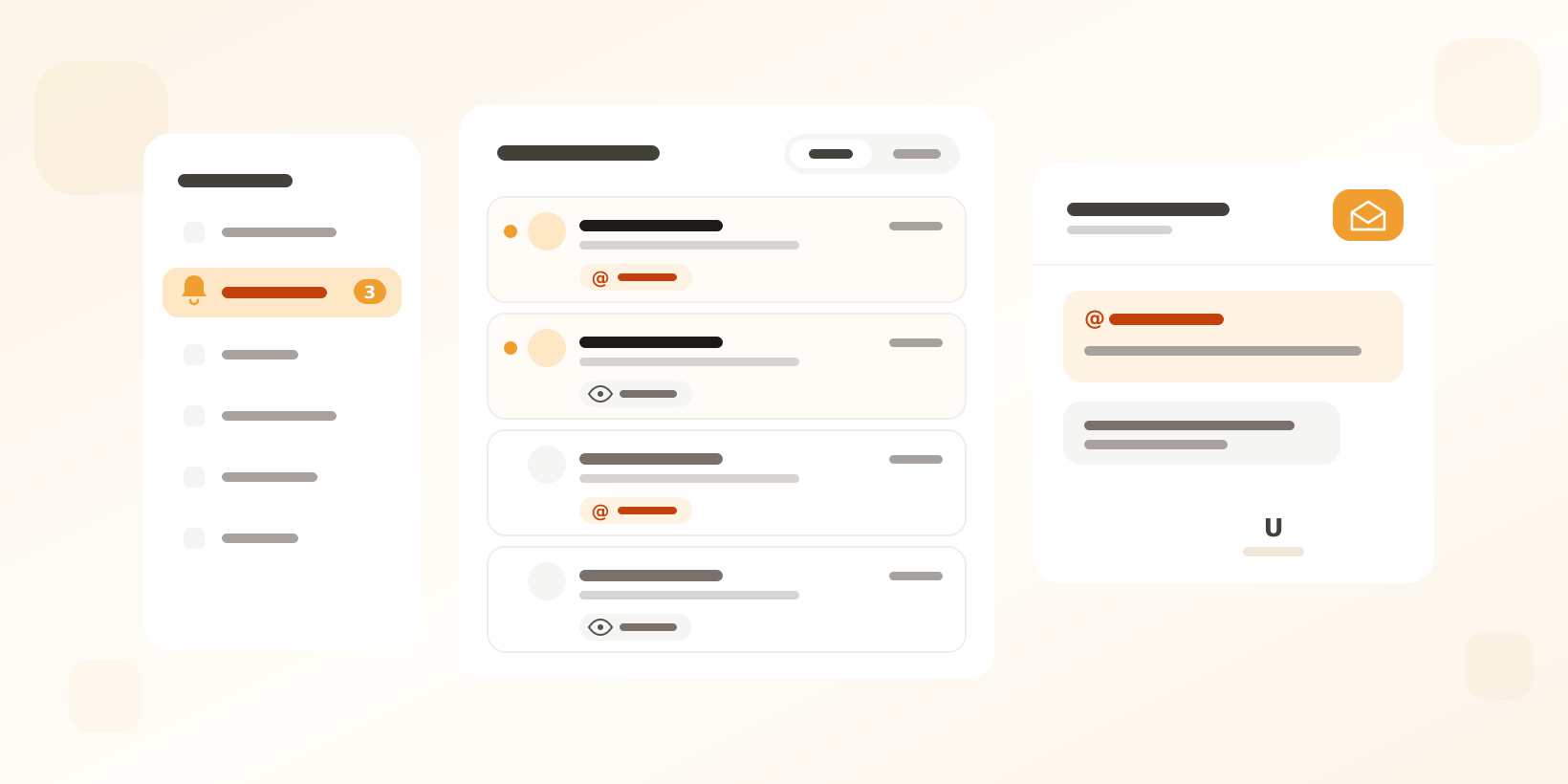
Everything that needs you, in one folder
Until now, conversations you were @mentioned in and conversations you watch lived in two separate folders. They now share one Notifications folder in the sidebar, so there is one place to check for everything your colleagues need you to see.
Each conversation shows why it is there: Mentioned when a colleague @mentioned you in an internal note, Watching when it is a conversation you follow. A new mention, or a new message in a conversation you watch, makes it unread again.
Mark as read or unread yourself
You decide when you are done with a notification. Mark a conversation as read or unread from the conversation header, from the row in the folder, or press U. Select several conversations to mark them all at once. Filter the folder to show only unread conversations, or show all.
Your read state follows you between browser tabs and devices, so a conversation you read on your laptop is read on your phone too.
Plans
Mentions work on every plan. Watching conversations is part of Herodesk Plus, so on other plans the Notifications folder lists your mentions.
Give your team time back
Start your free trial with free VIP onboarding. Meet a product specialist online and get personal help until everything is up and running to your satisfaction.

Ken Primby
CEO · Pluspige
From a Herodesk customer
4 to 6
hours saved on cleanup after live sales
Read the customer story“Herodesk brought all our channels together, saved us several hours of manual cleanup after our live sales and gave the team a clear overview.”