
















New Message Notification*
Herodesk now alerts you when a new customer message arrives. Notice fresh replies in other browser tabs and return to the conversation that needs you.
- Inbox
Conversation log
Whenever a conversation is assigned to a person or inbox or its status changes, it is now being logged and displayed as part of the timeline.
This makes it easy to get an overview of who’s doing what in a given conversation.
New message notifications
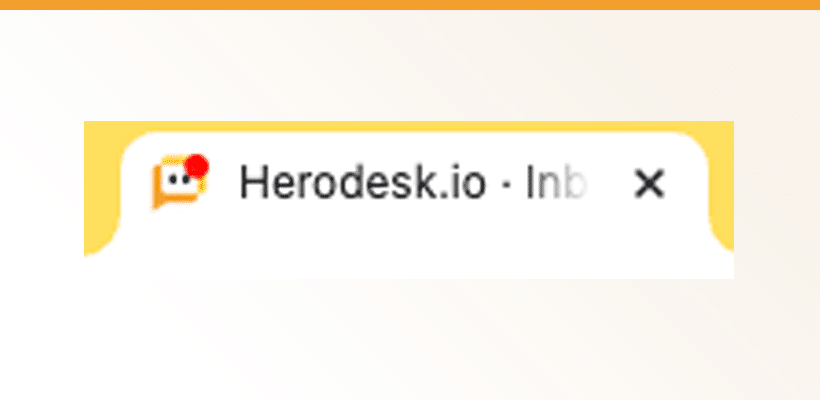
Up until now, you’d have to refresh Herodesk to see if there are any new messages. With this update, Herodesk will continuously check if there are any messages, and if there are, give a pliiing sound, indicate it in the tab header, and mark the inbox with the new message in yellow.
All you need to do is have a Herodesk tab open on your computer.
We’d love to know how this works for you. Please share your feedback on [support@herodesk.com](mailto: support@herodesk.com), thanks!
Give your team time back
Start your free trial with free VIP onboarding. Meet a product specialist online and get personal help until everything is up and running to your satisfaction.

Ken Primby
CEO · Pluspige
From a Herodesk customer
4 to 6
hours saved on cleanup after live sales
Read the customer story“Herodesk brought all our channels together, saved us several hours of manual cleanup after our live sales and gave the team a clear overview.”