
















Auto Save Draft Messages
Herodesk now saves draft replies automatically, so navigating away from a conversation does not lose your work. Return to your saved draft and continue writing.
- Inbox
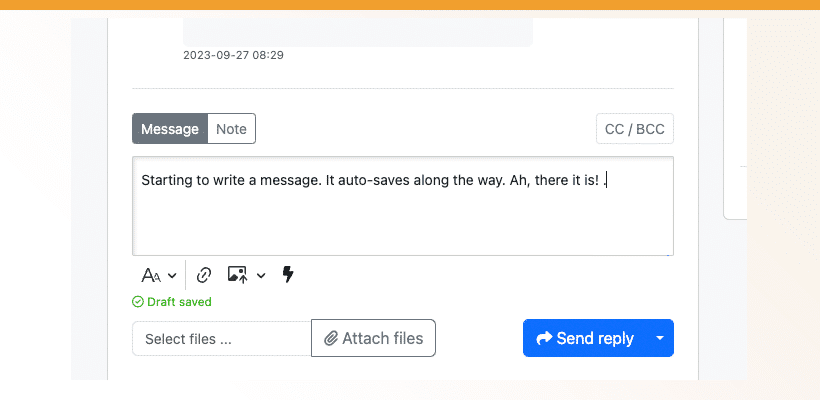
With this update, Herodesk will automatically save your messages to customers as drafts as you’re writing them. No more accidentally losing a long message. If you navigate away from a conversation, your draft will be right where you left it when you return.
You may have noticed the new Smart Folder that we’ve added to your left-hand pane: “My Drafts”. It contains exactly what you would expect: All the conversations where you have a saved draft waiting to be sent.
Do you like it? Let us know what you think. Send your feedback to support@herodesk.com
Give your team time back
Start your free trial with free VIP onboarding. Meet a product specialist online and get personal help until everything is up and running to your satisfaction.

Ken Primby
CEO · Pluspige
From a Herodesk customer
4 to 6
hours saved on cleanup after live sales
Read the customer story“Herodesk brought all our channels together, saved us several hours of manual cleanup after our live sales and gave the team a clear overview.”