
















Herodesk App is now available
Herodesk is now available as an iPhone, Android and desktop app. Follow customer conversations and get notifications outside your browser.
- Inbox
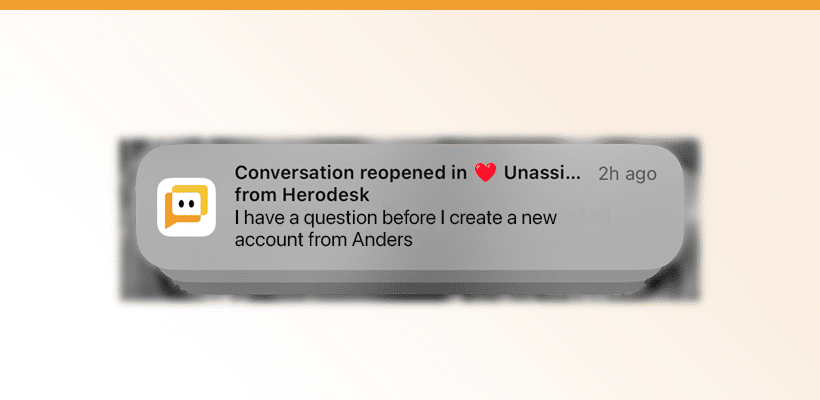
We are super excited to announce the release of a project that we’ve been working on for the past weeks: Herodesk is now available as an iPhone app, Android app, and a desktop app, that works across platforms.
How to install the Herodesk App
Our app is built on a technology called PWA, which stands for “progressive web applications.” This means it’s not installed via the App Store but instead via the internet browser on your device.
To install the Herodesk app:
- Open your browser (this must be Safari on iPhone)
- Go to https://app.herodesk.io
- Enter your organization identifier and then sign in
- Click the “Share” icon and click “Add to Home Screen”
That’s it. You now have Herodesk as an app on your mobile device.
Push notifications
Besides being able to reply your customers on-the-go, our new app comes with push notifications as well. Once you’ve installed the Herodesk app on your device you can enable push notifications by:
- Open the app on your device
- Click the menu at the top right
- Click your name at the bottom
- Click “Push notifications” in the menu
- Enable push notifications
Then you can decide what kind of push notifications you want. You can choose to receive one every time a conversation is assigned to your, and/or every time a new message is received in one of your selected inboxes.
Finally, you can choose to have the icon on your home screen display the number of pending conversations in one of your inboxes or smart folders.
The new Herodesk App has the same functionality as our online system, so you’re not missing out on any functionality by using the app.
If you have any questions or feedback, don’t hesitate to reach out to us!
Give your team time back
Start your free trial with free VIP onboarding. Meet a product specialist online and get personal help until everything is up and running to your satisfaction.

Ken Primby
CEO · Pluspige
From a Herodesk customer
4 to 6
hours saved on cleanup after live sales
Read the customer story“Herodesk brought all our channels together, saved us several hours of manual cleanup after our live sales and gave the team a clear overview.”