
















Send conversations to your AI agent
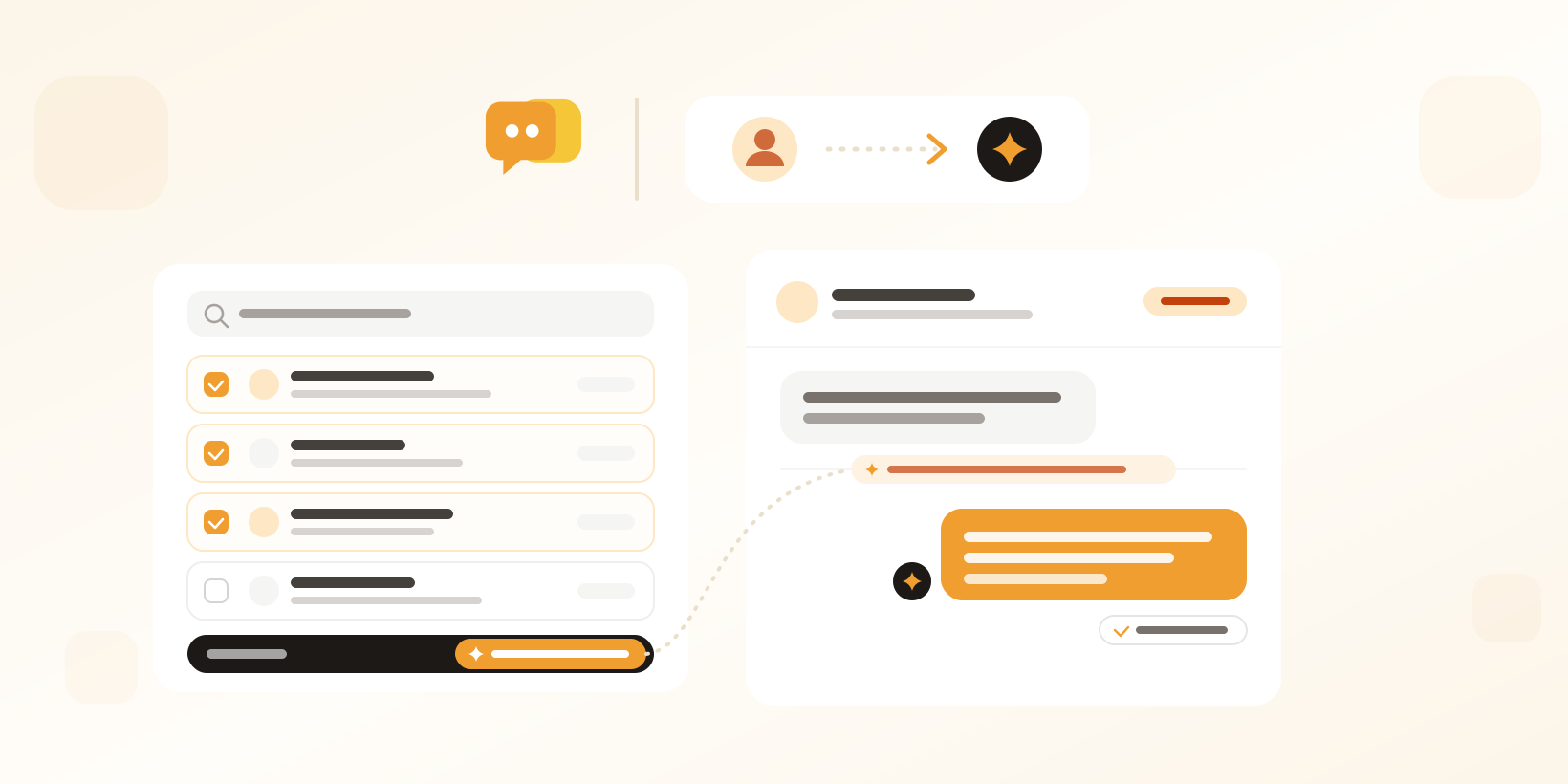
Send a conversation to your AI agent from its menu, or many at once from search results. It answers the waiting customer right away and handles follow-ups.
- AI Agents
- Inbox
Let the AI agent take over when you want it to
Your AI agent picks up new conversations on the channels where it is deployed, and hands them to your team when a person is needed. Now it works the other way too. When a teammate is handling a conversation the AI agent could answer, they can send it to the agent.
From the conversation, or many at once
Choose Transfer to AI agent in the conversation’s action menu. In advanced search, select the conversations you want, or every conversation the search finds, up to 1,000, and transfer them all at once with bulk actions. Conversations an AI agent already handles are skipped.
The right agent for each channel
A conversation on a channel where an AI agent is deployed goes to that agent. Otherwise you choose any active AI agent, even one that isn’t deployed on that channel.
The customer gets an answer right away
The AI agent answers the customer’s waiting message straight away and handles the follow-ups. On a channel where the agent normally only writes drafts for your team to review, a transferred conversation is the exception: the agent replies directly, and Herodesk tells you so before you transfer. The assignee stays the same, and a closed or snoozed conversation is reopened.
Clear limits and a full trail
You can transfer a conversation when a customer is waiting for a reply. Phone conversations can’t be transferred, and neither can WhatsApp conversations outside the 24-hour window. Every transfer is logged with a note saying who handed the conversation to which AI agent.
Get started
Transferring conversations comes with every AI agent, and anyone on your team who can reply can use it. Read more about transferring conversations to the AI agent or see how Herodesk AI agents resolve conversations for you.
Give your team time back
Start your free trial with free VIP onboarding. Meet a product specialist online and get personal help until everything is up and running to your satisfaction.

Ken Primby
CEO · Pluspige
From a Herodesk customer
4 to 6
hours saved on cleanup after live sales
Read the customer story“Herodesk brought all our channels together, saved us several hours of manual cleanup after our live sales and gave the team a clear overview.”